Learn how to use the RYDR app to book rides, track your driver, and complete trips smoothly — step by step.
Step 1
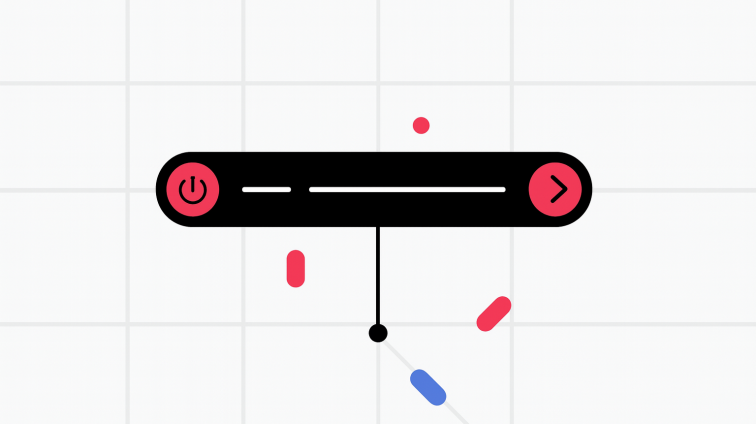
Rider opens the app
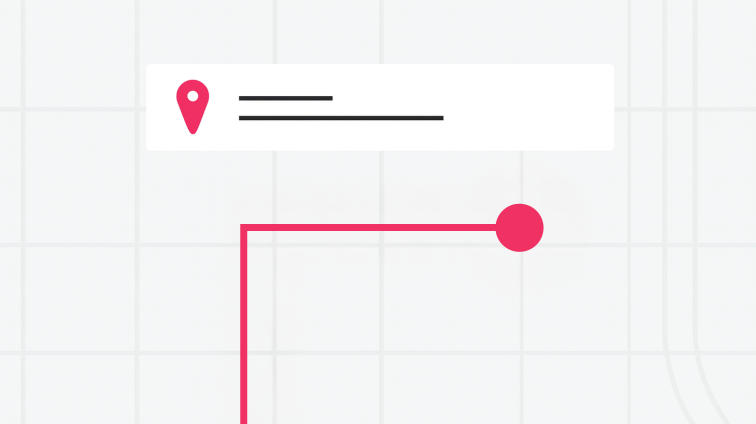
The rider enters their destination; reviews each ride option for vehicle size, price, and estimated dropoff time; chooses the desired option; then confirms the pickup.
Step 2
The rider is matched with a driver
A nearby driver sees and chooses to accept the rider’s ride request. The rider is automatically notified when the driver’s vehicle is about a minute away.
Step 3
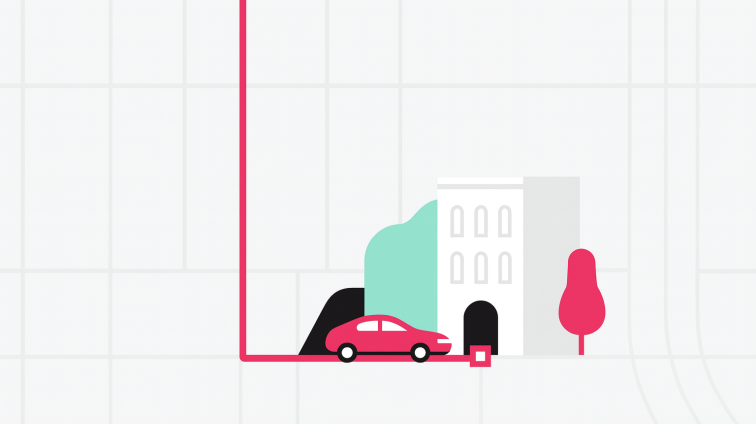
The driver picks up the rider
The driver and the rider verify each other’s names and the destination. Then the driver starts the ride.
Step 4
The driver takes the rider to the destination
The app gives the driver the option to access turn-by-turn direction
Step 5
The driver and rider leave ratings and reviews
At the end of each trip, drivers and riders can rate each other from 1 to 5 stars. Riders also have the option to give the driver compliments and a tip directly in the app.
Start Your Ride
Enter your pickup and destination to book instantly on RYDR.